Colfax County CAD – Property Search, Records & Appraisal District | New Mexico
You need to know who owns a house or piece of land in Colfax County right now. Maybe you are buying in Raton, checking a property near Angel Fire or Cimarron, or verifying taxes in Springer or Maxwell. The official Colfax County Assessor’s Office property search system has every detail you need – owner name, assessed value, exemptions, flood zones, and more. And it is completely free.
This guide walks you through every single click with real examples from right here in Colfax County. You will finish your search in under 5 minutes. I have added three simple calculators that many Raton homeowners use every year. Plus, you will find local tips that most websites never mention.
What This Guide Helps You Do Right Now
With this page you can:
Homestead Exemption Savings Calculator
Property Tax Calculator
Taxable Value After Exemption
Monthly Property Tax
Total Annual Cost (Tax + Insurance)
Property Investment ROI
- Find the exact owner name and mailing address in seconds
- See the official assessed value and how it changed from last year
- Check if you have the homestead exemption and other tax breaks
- Download a clean PDF to show your real estate agent or bank
- Compare your property with houses nearby using the GIS map
- Prepare everything you need for a tax appeal
- Check flood zones near the Canadian River or Eagle Nest Lake before you buy
Quick Links to the Official Colfax County Tools
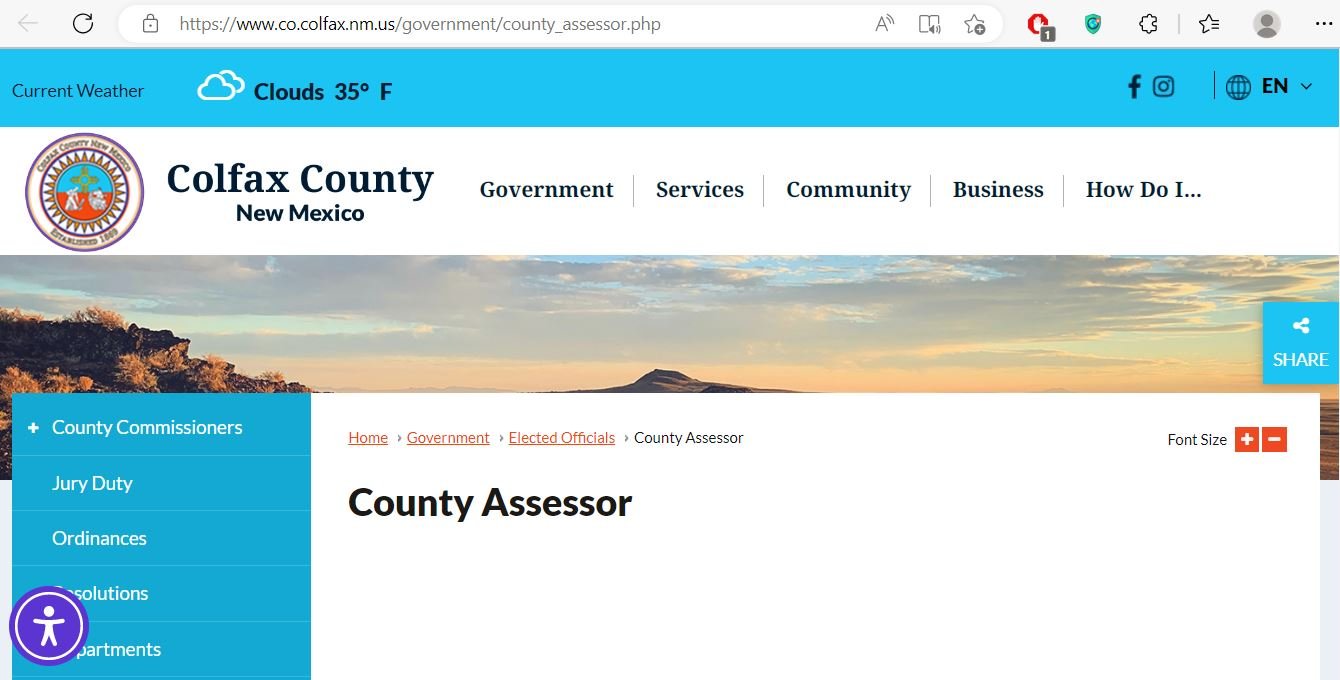
Official Colfax County Assessor website: https://www.co.colfax.nm.us/government/county_assessor.php
Property Search (EagleWeb): http://68.66.87.241/assessor/web
Public Records Search: Colfax County Public Records Search
Pay taxes or print your bill here: https://www.co.colfax.nm.us/government/county_treasurer.php
How to Search by Address – The Way Most People in Raton Do It
- Open the EagleWeb property search: Colfax County Property Search.
- Type the house number and street name. Example: 1234 S 2nd Street Raton.
- Click Search.
- Click the matching property link in the results.
- The full property record opens. Look at the top for owner name and mailing address.
- Scroll to see the assessed value (shown prominently).
- Click Print or PDF to save the report.
How to Search by Owner Name – Useful When You Only Have the Seller’s Name
- On the EagleWeb search page, use the Owner Name field.
- Type last name first, then first name. Example: Smith John.
- If too many results, narrow by city or use advanced filters.
- Click Search and select the correct parcel.
- Confirm the mailing address – this is where tax bills are sent.
- Scroll to the bottom to see sales history and previous owners.
How to Search by Parcel ID – Fastest When You Have the Number
- On the search page, use the Parcel Number field.
- Paste the exact parcel number from your tax bill (example: 12345678901).
- Click Search. You get one exact result instantly.
- Review value, exemptions, history, and map all on one screen.
How to Use the Colfax County Interactive GIS Map – My Favorite Tool for Buyers
- Access the GIS map through the Assessor or County GIS portal (linked from the main site).
- Zoom in to Raton, Angel Fire, Cimarron, or any area with your mouse or fingers.
- Click any colored parcel on the map.
- A pop-up appears with owner name, value, and link to full record.
- Click the link for complete details.
- Switch to aerial view to see the actual house and yard.
- Turn on flood zone layers if you are looking at property near the Canadian River or Eagle Nest Lake.
Quick Tax Estimator – See What You Will Probably Pay in 2026
Enter the exact assessed value from the record. Many Raton homeowners use this before they appeal.
Assessed Value from Record:
Homestead Exemption Savings Calculator – Check If You Are Overpaying
Lots of families in Angel Fire miss this and pay extra every year. Enter your value to see possible savings.
Your Assessed Value:
Tax Appeal Savings Estimator – See If It Is Worth Filing
Many people near Cimarron saved money last year by appealing. Enter your current value and a realistic reduction.
Current Assessed Value:
Realistic Reduction (example 20000):
How to Read the Full Property Record – Every Section Explained
Once the record opens, here is what to look for:
- Top section: Owner name and mailing address – make sure it is correct.
- Value section: This is the assessed value used for taxes.
- Exemptions: Look for homestead or senior relief.
- Bottom: Sales history – useful if you are buying or selling.
- Map tab: Click here for aerial photo and flood zone check.
What You Need Before You Start
- Any phone or computer with internet
- The street address, owner name, or parcel number
- 10 quiet minutes
Common Problems and How Locals Fix Them
Too many results show up? Use the % wildcard or search only the street name first.
Nothing comes up? Try different spellings of the last name. Many people in Raton have this issue.
Value looks too high? Use the GIS map to pull three nearby houses and compare them.
Need to pay taxes? Go straight to the Treasurer link above.
Local Tips and Tricks from Colfax County Residents
- Search early in the morning (before 9 am) – the site loads much faster.
- If you are near the Canadian River or Eagle Nest Lake, always turn on the flood zone layer before you buy.
- Print the record every January and keep it in a folder – it helps when you file an appeal.
- Look for homestead relief. If missing, call (575) 445-2314 and file before the deadline.
- Real estate agents in Angel Fire love the GIS viewer – show it to yours.
- Buyers near Cimarron check school district layers on the map to know which schools the kids will attend.
- Save the PDF with the address and year in the file name – you will thank yourself later.
Simple Tax Appeal Checklist – What Many Locals Do
- Print your current property record.
- Use the GIS map to print three similar houses nearby.
- Take photos of any repairs needed on your house.
- File your appeal with the Assessor’s office before the deadline.
Important Notes
This guide comes from County-CAD.us. We are not part of the Colfax County Assessor’s Office or any government office. We only link to the official sites so you get real information.
Always check the latest details directly on the official websites. Values and records can change.
Colfax County Assessor Office:
230 North 3rd Street, Raton, NM 87740
Phone: (575) 445-2314 (Monday to Thursday 7:00 am to 5:30 pm)
Google Maps to the Assessor Office
Questions? Visit our About page or Contact Us. Read our Privacy Policy.
FAQs About Colfax County Property Search
How do I search property in Colfax County New Mexico?
Go to the EagleWeb search at Colfax County Property Search or the Kofile public records portal. It takes less than a minute.
Is the Colfax County property search really free?
Yes – 100% free forever. No signup, no login, and no payment is ever needed.
Where do I actually pay my property taxes?
Use the Treasurer at Colfax County Treasurer. The Assessor only shows values.
How do I know if I have the homestead exemption?
Check the exemptions section in your property record. If missing, you are probably overpaying. Contact the Assessor to apply.
Does the interactive GIS map show flood zones?
Yes. Turn on the layer menu. Very useful if you are buying near the Canadian River.
How current is the data on the Colfax County property search website?
Values are updated once a year. The record always shows the exact assessment date so you know it is current.
Can I use the property search on my phone?
Yes. It works perfectly on any phone. Pinch to zoom on the value numbers and aerial photos.
How do I prepare for a tax appeal in Colfax County?
Print your record and three comparable properties from the map. Take photos of any repairs. File with the Assessor before the deadline.
Does the site show previous owners and sales history?
Yes. Scroll to the bottom of any property record. Great for buyers doing title checks or family estate planning.
What should I do if I cannot find my property?
Try the % wildcard in owner name or search only the street name first. Many people in Raton have this issue and it usually works after one change.